Back to the manuals overview
Softphone: iPhone: Bria for iPhone
About Bria:
Bria iPhone Edition is a SIP-based phone for Apple iPhone and iPod touch that uses a Wi-Fi or mobile data connection to make and receive calls.
Bria iPhone uses your iPhone or iPod's existing contact list. Bria iPhone Edition supports effective communication with an intuitive interface built for handling multiple calls. Calling features include switching between two calls, and merging and splitting calls.
Bria iPhone Edition includes advanced security settings. It also includes enhanced audio features, including G.711, G.722, iLBC, GSM, SILK and Opus.
Connecting / installing
Install Bria via Apple's App Store.
Setting it up
First, open the app. 
Go to the gear icon in the bottom right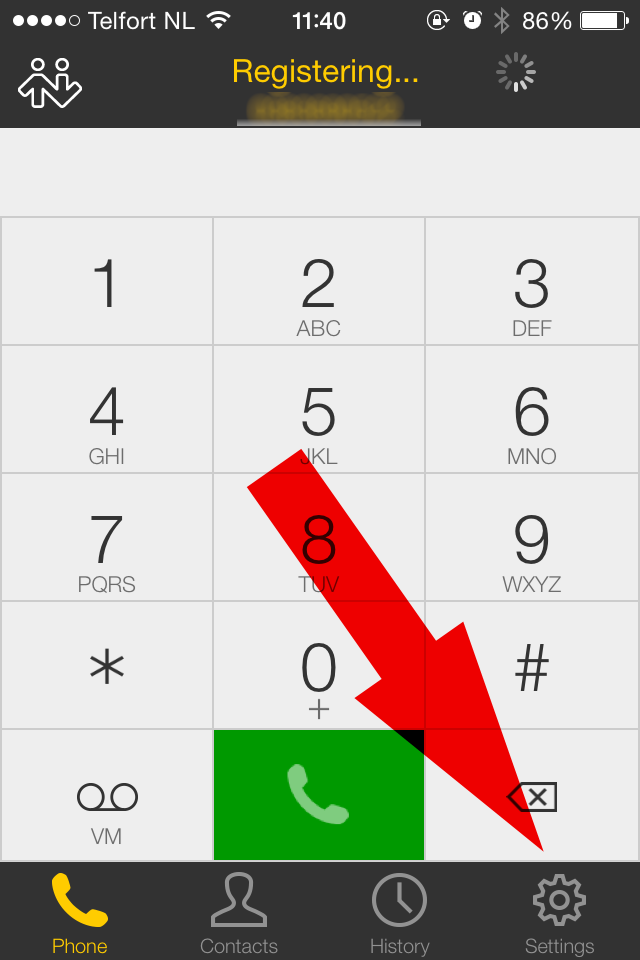
Click accounts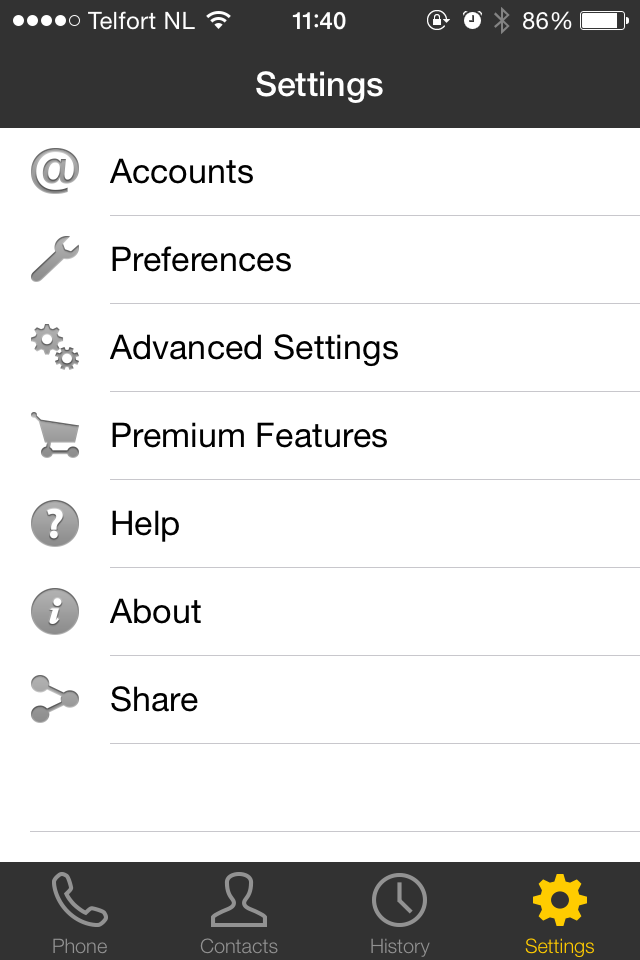
Click the plus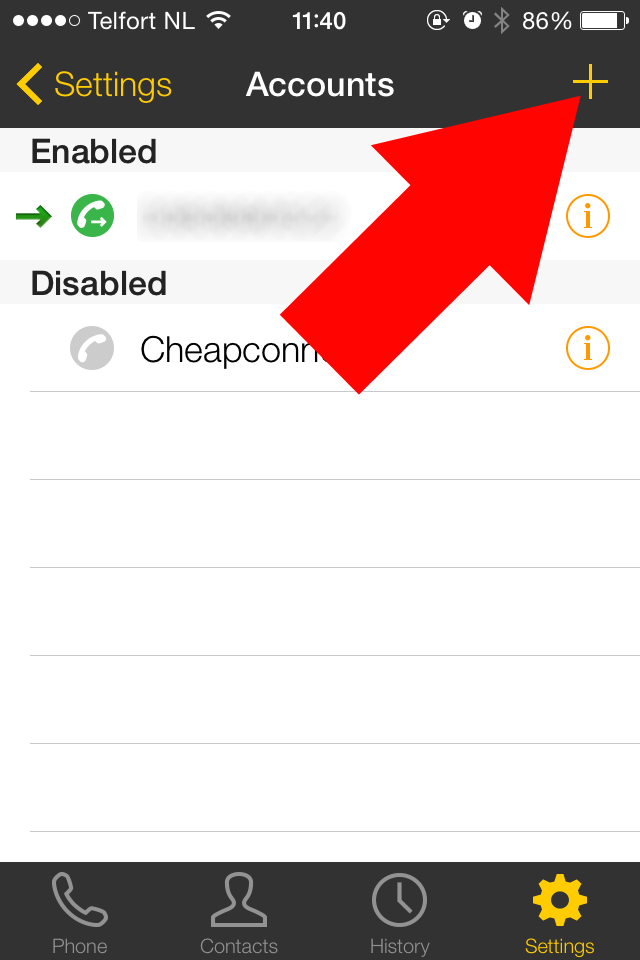
Click SIP
Enter the details you received from CheapConnect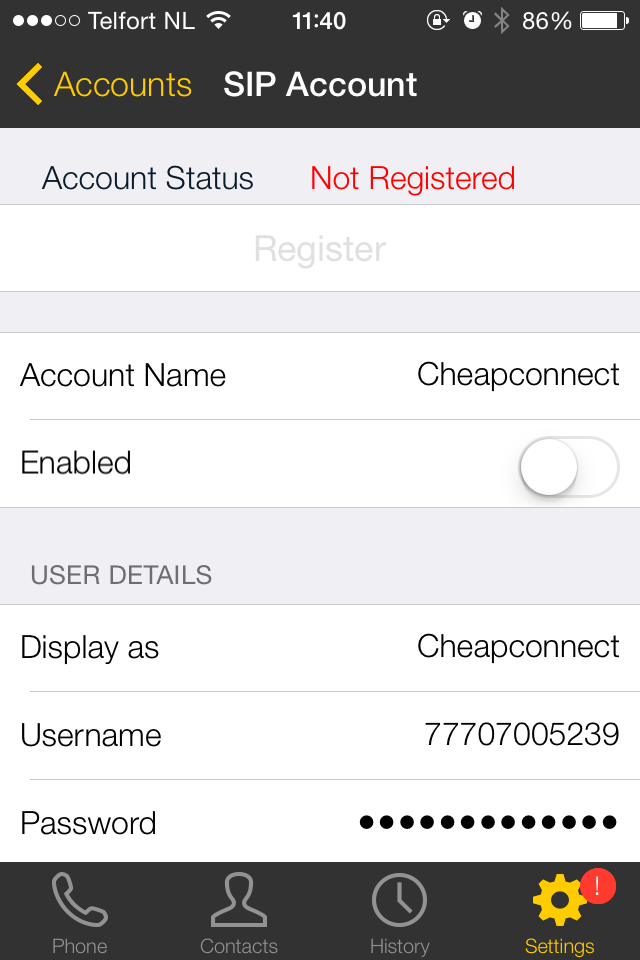

Account name: CheapConnect
Display as: your phone number
Username: your CheapConnect username
Password: your CheapConnect password
Domain: sip.cheapconnect.net
Then click Save
Then click the phone handset icon in the bottom left
Check that your VoIP account is registered.
Official manual
https://www.counterpath.com/bria-iphone-edition/?tab=resources
Manual credits
This manual was written by pdevries

